

RFID asset tracking and access control
A single RFID software platform can do two jobs: show where company assets are and who holds them, and control who opens which door. Cyphra Tech supplies the asset tags, access cards, readers and door hardware, builds the software for both jobs, and connects it to your ERP so the asset register stays current.
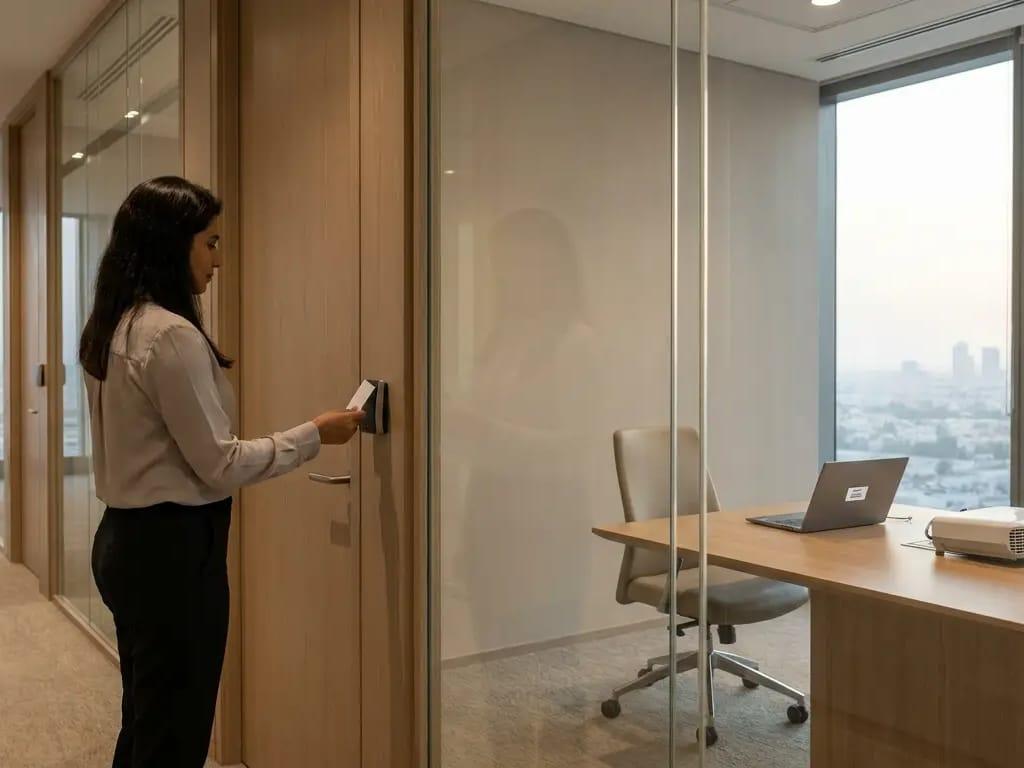 Illustrative image
Why asset tracking and access control go wrong
Nobody knows who holds which equipment, or where
Laptops, tools and devices move between desks, sites and vehicles. The asset register no longer matches what is on the floor, and each audit starts with a search.
Assets leave without a record
When an item leaves through a door or gate with no check, nobody knows until someone misses it. Gaps in the record are found late, if at all.
Lost or shared cards, and slow card re-issue
A lost card, or one lent to a colleague, keeps opening doors until someone disables it. Re-issuing cards by hand takes time and is easy to get wrong.
Two unrelated systems for assets and for doors
Assets are kept in one tool and door rights in another, each with its own records and upkeep. A change in one never reaches the other.
What we deliver for RFID asset management and access
Hardware
Asset tags, access cards and readers
For assets we supply tags chosen for each surface, with handheld readers for audits and fixed readers at doors and gates. For access we supply cards and door readers.
Software
One software for the register and the rights
Our software keeps the asset register, with who holds each item and where it was last read, and the access rights for each card. It raises an alert when something does not match.
Integration
Connection to your ERP records
We connect asset records and card holders to your ERP so the register is not typed in twice. See how RFID connects to ERP and POS.
Turnkey
One team from survey to support
We run the project end to end: site survey, proof of concept, installation, staff training and support.
RFID access control alongside asset tracking
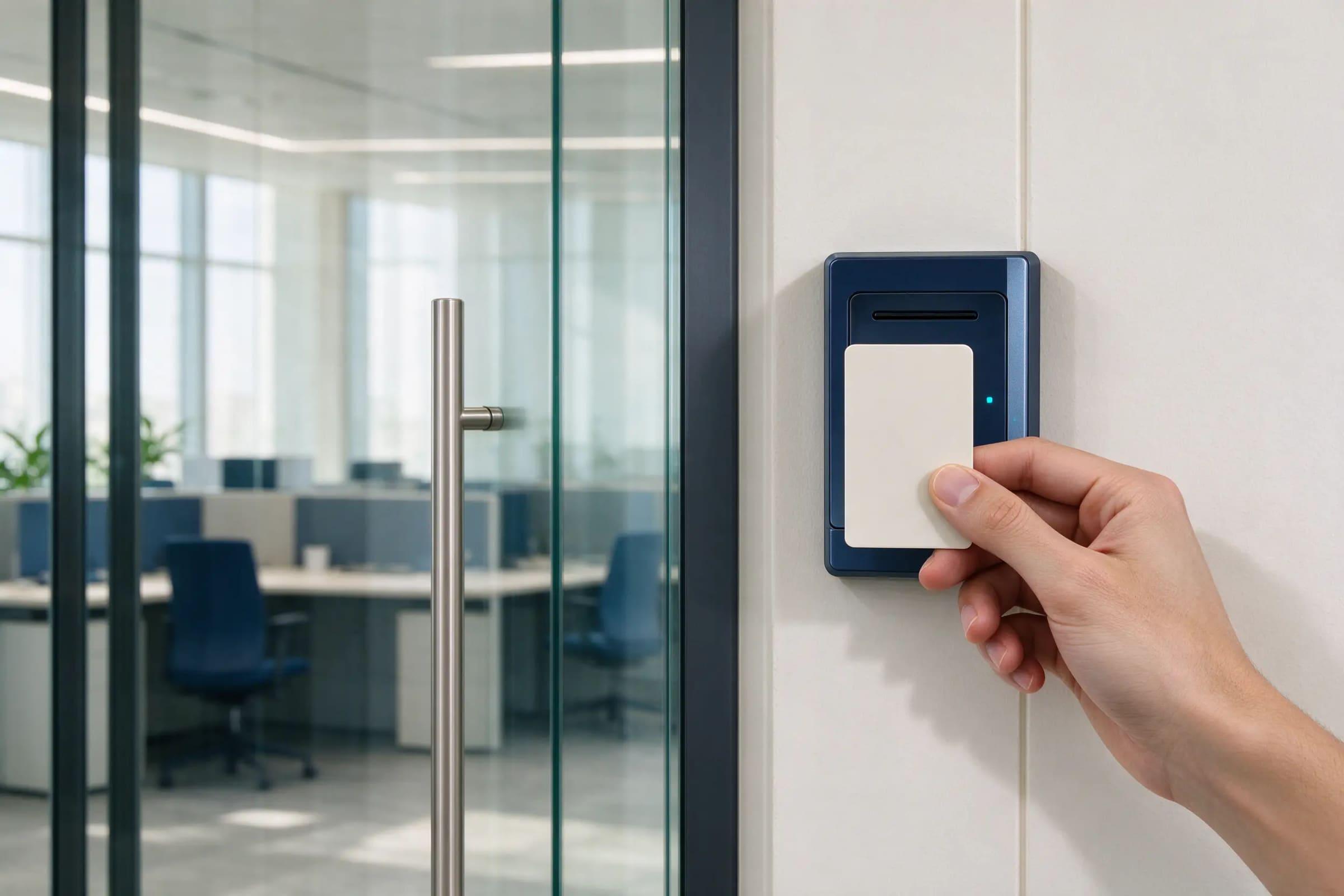 Illustrative image
- Tag the asset, or issue the access credential.
- Read it at the door or portal, or by a handheld audit.
- Match the read to the asset register or the access rights.
- Log the event and alert on anything that does not match.
What we take care of for fixed asset tagging and RFID door access
| Item | What we do | Why it matters |
|---|---|---|
| Asset tag | A tag chosen for each surface, including metal, and tested on a sample first | Every asset reads reliably, so the register matches the floor. |
| Access card | Cards issued per employee and managed in the access software | A lost card can be disabled and replaced, so it stops opening doors. |
| Reader placement | Fixed readers at doors and gates, handheld readers for audits | Fixed readers catch movement without staff effort; a handheld audit confirms what is where. |
| Records integration | Asset register and ERP or HR records | Holders and rights stay in step with your records, so nothing is kept twice. |
How a Cyphra RFID project runs
Frequently asked questions about RFID asset tracking
What RFID solution can I use to track company assets and control access to rooms?
Use one software for both jobs: tags on assets to track where they are and who holds them, and cards for opening rooms. Cyphra Tech supplies the tags, cards and readers, builds the software and connects it to your records.
Can RFID asset tracking integrate with my existing ERP system?
Yes, in most cases. The tracking software can pass asset records and card holders to your ERP, and during the survey we check how your system takes in data. See how RFID connects to ERP and POS.
RFID vs barcode: which is better for tracking assets?
With many assets, an RFID audit is usually faster: a reader picks up many tags at once without lining up each one, while a barcode is scanned one item at a time. A barcode can be enough for a small register that rarely changes. See how RFID works.
How do you tag fixed assets such as furniture, IT equipment and machines?
With a tag chosen for the surface of each item, including metal. We test the tag on a sample of your items before tagging the rest, and link each tag to one row in the asset register.
What happens when someone loses an access card?
The card is disabled in the access software and a replacement is issued, so the lost card stops opening doors. How quickly each door reflects the change depends on how its reader is connected, which we agree in the design.
Can asset tracking and access control run on one platform?
Yes. They share one software and one set of records, but each uses its own item: a laptop carries an asset tag, and an employee carries an access card.
How much does RFID asset tracking and access control cost?
The cost depends on how many assets you tag, how many doors and gates need readers, how many cards you issue, and how the software connects to your records. We quote after a site survey, not from a price list.
Talk to us about RFID for your business
Tell us your industry and the items you need to track. We reply with the tags and readers that fit.